Archtrace
Der invertierte Lichttisch: iPhone über die Skizze halten, eine Vorlage als halbtransparentes Overlay im Kamerabild ausrichten — fixieren und zeichnen. The inverted light table: hold your iPhone over the sketch, align a template as a semi-transparent overlay in the camera image — lock it and draw.
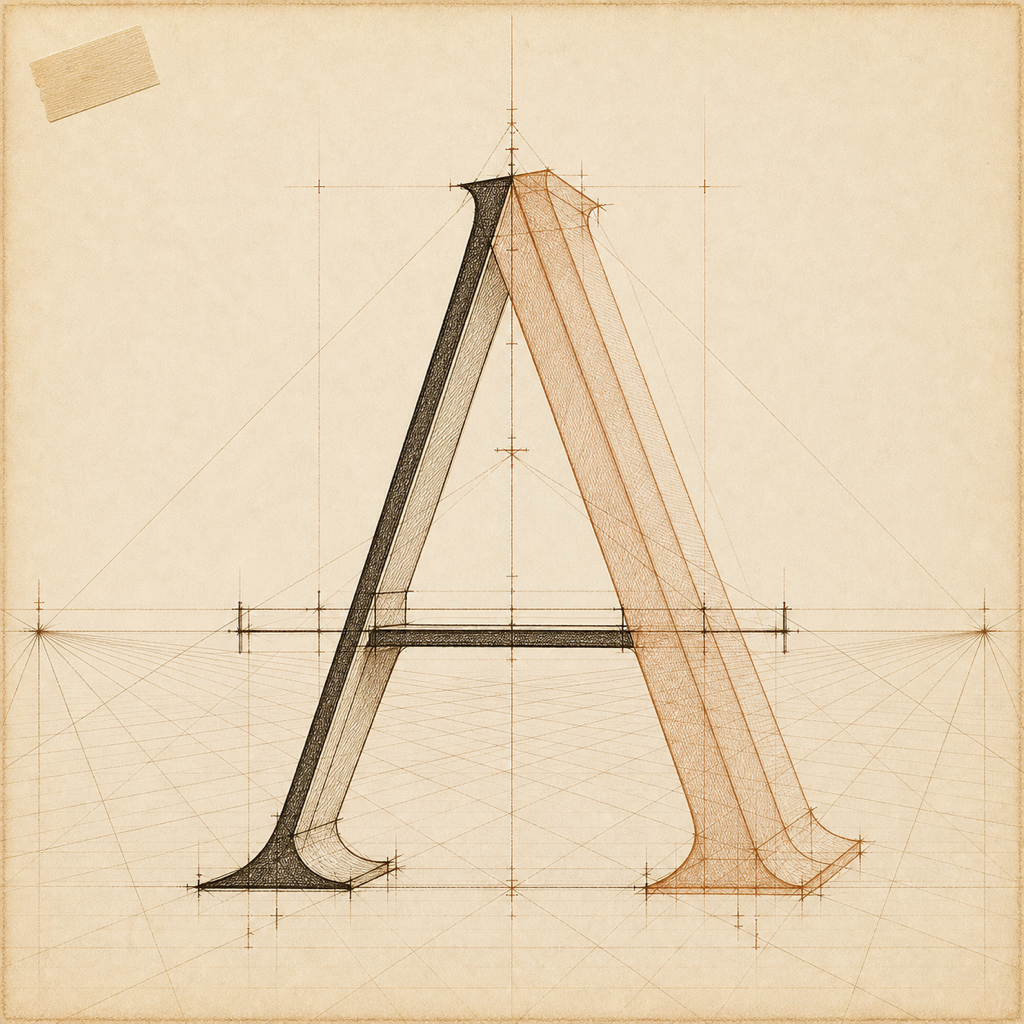
Wer von Hand entwirft, arbeitet mit Rastern, Vorlagen und Referenzen — aber der klassische Lichttisch braucht die Vorlage auf Papier. Archtrace dreht das Prinzip um: Die Vorlage liegt als halbtransparentes Overlay über dem Kamerabild, das Blatt bleibt leer auf dem Tisch.
Anyone designing by hand works with grids, templates and references — but the classic light table needs the template on paper. Archtrace inverts the principle: the template sits as a semi-transparent overlay on the camera image, while the sheet stays blank on the table.
Der Workflow ist bewusst kurz: Papier auf den Tisch, iPhone drüber, Overlay ausrichten, fixieren, zeichnen. Ein Paper-Lock verankert die Vorlage direkt am Blatt — 2D-Tracking verfolgt das Papier im Kamerabild, das Overlay bleibt an Ort und Stelle, auch wenn die Hand mit dem iPhone wandert.
The workflow is deliberately short: paper on the table, iPhone above it, align the overlay, lock, draw. A paper lock anchors the template to the sheet — 2D tracking follows the paper in the camera image, so the overlay stays in place even as the hand holding the iPhone drifts.
Früher Prototyp — der Kern-Workflow läuft auf echten Geräten, Vorlagen-Bibliothek und Feinschliff entstehen gerade.
Early prototype — the core workflow runs on real devices; template library and polish are in the making.
- 01 Overlay ausrichtenAlign the overlayVorlage halbtransparent über dem Kamerabild bewegen, skalieren und drehen — direkt mit den Fingern.Move, scale and rotate the semi-transparent template over the camera image — directly with your fingers.
- 02 Paper-LockPaper lockDie Vorlage wird am Blatt verankert — Tracking hält das Overlay auf dem Papier, auch wenn das iPhone wandert.The template is anchored to the sheet — tracking keeps the overlay on the paper even as the iPhone drifts.
- 03 LinienfilterLine filterKantenextraktion macht aus jedem Foto eine klare Linienzeichnung zum Durchpausen.Edge extraction turns any photo into a clean line drawing ready for tracing.
- 04 Raster & VorlagenGrids & templatesPerspektivraster, Isometrie und eine wachsende Vorlagen-Bibliothek für den Entwurfsalltag.Perspective grids, isometrics and a growing template library for everyday design work.
- 05 Eigene VorlagenYour own templatesEigene Fotos und Zeichnungen importieren und als Overlay über der Skizze nutzen.Import your own photos and drawings and use them as overlays above the sketch.
- Plattform Platform
- iOS 17+ · iPhone iOS 17+ · iPhone
- Stack Stack
- SwiftUI · AVFoundation · OpenCV · Vision SwiftUI · AVFoundation · OpenCV · Vision
- Tracking Tracking
- Optical Flow + Homographie · on-device Optical flow + homography · on-device
- Status Status
- Früher Prototyp · Test auf echten Geräten Early prototype · testing on real devices
- Datenschutz Privacy
- Verarbeitung komplett auf dem Gerät Processing entirely on-device
Datenschutzerklärung für diese App folgt vor App-Store-Einreichung. Diese Seite dient als Slot für die offizielle Privacy Policy, die im App Store verlinkt werden muss.
Privacy policy for this app will follow before App Store submission. This page serves as the slot for the official privacy policy that must be linked from the App Store listing.
Stand: in VorbereitungStatus: in preparation